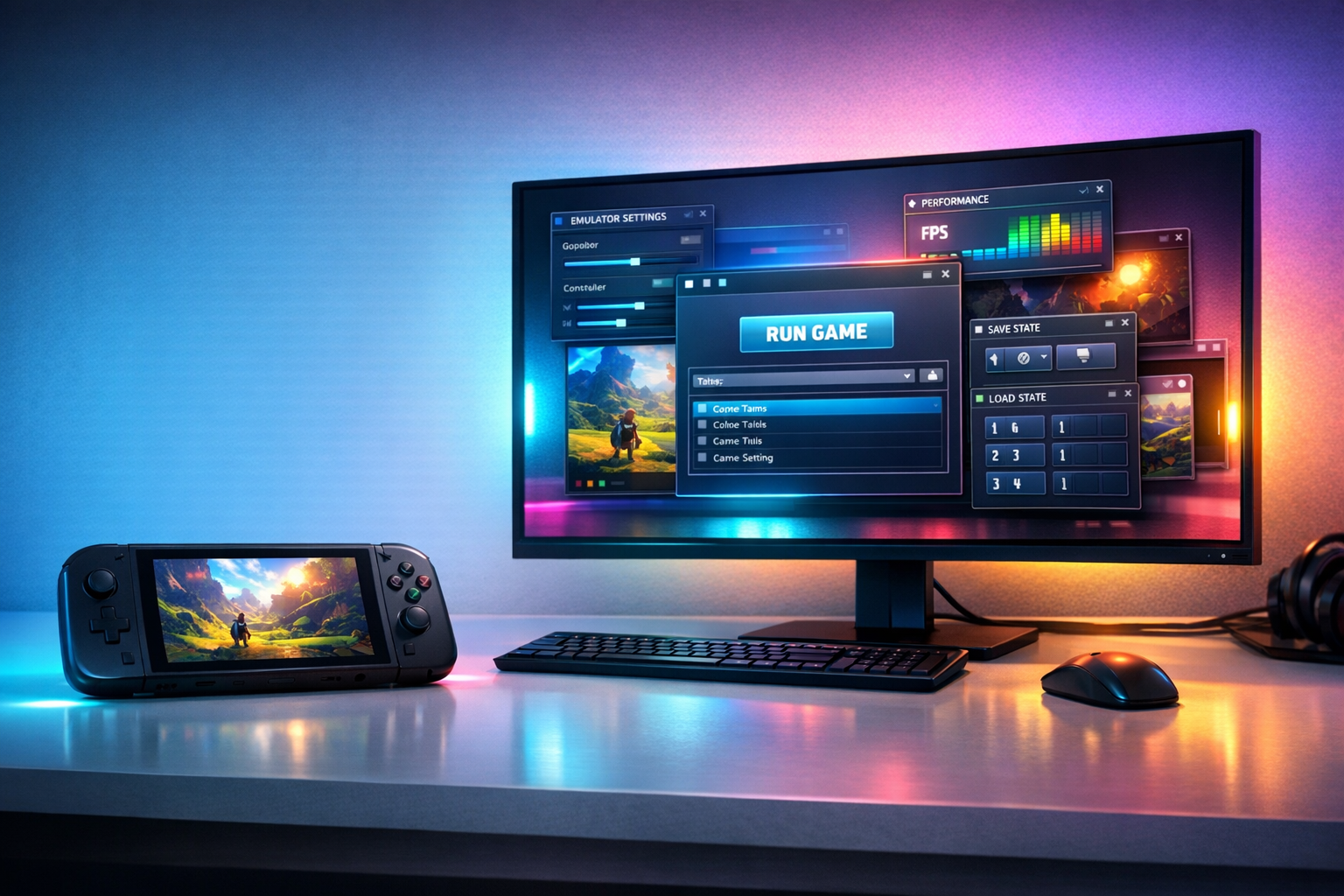
The Nintendo DS remains one of the most memorable handheld consoles ever released. Its dual-screen design, touch controls, microphone features, and extensive game library made it different from traditional gaming systems. Today, players can revisit those experiences on a computer, Android phone, iPhone, or tablet with a reliable Nintendo DS emulator.
However, choosing the best Nintendo DS emulator depends on your device and priorities. Some emulators offer excellent PC compatibility, while others are designed for fast mobile performance. A few focus on accurate emulation, whereas others provide convenient features such as save states, controller support, screen filters, and cloud synchronization.
In this guide, we compare the leading Nintendo DS emulators for PC and mobile devices, explain their strengths and limitations, and help you choose the right option.
Legal note: Emulators are generally different from game files. Only use game backups, BIOS files, and system files that you legally own and are permitted to use in your region. Avoid downloading copyrighted games from unauthorized websites.
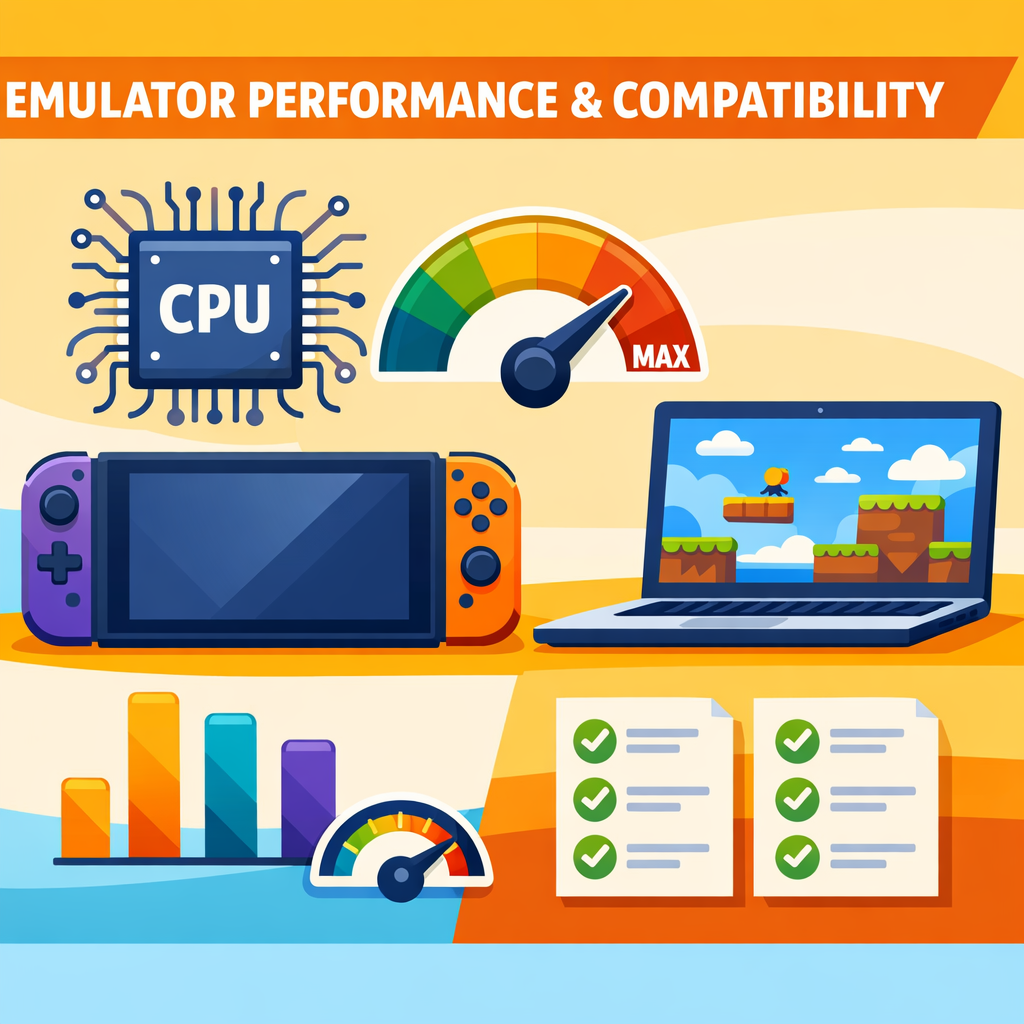
A visual comparison of Nintendo DS emulation on computers and mobile devices.
Table of Contents
Quick Comparison of the Best Nintendo DS Emulators
| Emulator | Best For | Main Platforms | Key Strength |
|---|---|---|---|
| melonDS | Accuracy and modern PC use | Windows, macOS, Linux, some mobile projects | Strong compatibility and active development |
| DeSmuME | Beginners and troubleshooting | Windows, macOS, Linux | Mature, open-source, and well documented |
| DraStic | Android performance | Android | Fast gameplay on many phones |
| Delta | iPhone and iPad users | iOS and iPadOS | Convenient mobile interface and multi-console support |
| RetroArch with a DS core | Advanced users | PC, Android, and other platforms | Multiple systems in one interface |
1. melonDS — Best Overall Nintendo DS Emulator for PC
For most PC users, melonDS is one of the strongest Nintendo DS emulator choices. It focuses on accurate emulation while also supporting modern features such as improved rendering, save states, controller input, and flexible screen layouts.
melonDS is available for major desktop platforms, including Windows, macOS, and Linux. Its official download information also includes different builds for supported systems and explains important BIOS and ROM requirements. (MELONDSEMULATOR)
Why choose melonDS?
- Good compatibility with many Nintendo DS games
- Supports Windows, macOS, and Linux
- Offers customizable dual-screen layouts
- Works with keyboard, mouse, and game controllers
- Provides save states and other convenience features
- Suitable for users who want a modern, actively maintained option
Limitations of melonDS
melonDS may require more setup than a simple plug-and-play mobile emulator. Some games or features may require additional configuration, and users may need to adjust graphics, audio, or control settings for the best results.
Best for: PC gamers who want a balance between accuracy, features, and ongoing development.
2. DeSmuME — Best Open-Source Emulator for Beginners
DeSmuME is one of the most established Nintendo DS emulators. It runs on Windows, macOS, and Linux and has been available for many years. The official project describes it as a Nintendo DS emulator with releases for desktop platforms, including Windows, macOS, and Linux. (DESMUME)
Its long history makes it popular among beginners, testers, and users who need access to extensive documentation. The DeSmuME FAQ also explains its focus on accurately emulating the Nintendo DS and provides information about configuration and file locations. (DESMUME)
Key DeSmuME features
- Open-source software
- Available on Windows, macOS, and Linux
- Customizable screen layouts
- Keyboard and controller support
- Save states and screenshots
- Debugging and testing tools
- Large community knowledge base
DeSmuME limitations
DeSmuME is not always the fastest option on older computers. Certain 3D games may perform better in another emulator, particularly when using a newer graphics backend or a more powerful computer.
Best for: Beginners, open-source supporters, and PC users who value documentation and customization.
3. DraStic — Best Nintendo DS Emulator for Android Performance
DraStic has historically been recognized for its strong performance on Android devices. It was designed specifically for Nintendo DS emulation and became popular because it could run many games smoothly, even on hardware that was not particularly powerful.
However, its current distribution status should be checked carefully. Search results indicate that the app has been removed from the Google Play Store and that many websites claiming to be official download sources may not be trustworthy. (ANDROIDAUTHORITY)
DraStic strengths
- Fast performance on compatible Android devices
- Designed specifically for Nintendo DS games
- Supports screen resizing and layout customization
- Includes save states
- Supports external controllers
- Can improve visual presentation through filtering and scaling
DraStic safety considerations
Because of uncertainty surrounding its current official distribution, avoid downloading random APK files from unfamiliar websites. Unverified APK files can contain malware, aggressive advertising software, or modified code.
Best for: Android users who already have a legitimate, trusted installation and prioritize performance.
4. Delta — Best Nintendo DS Emulator for iPhone and iPad
Delta is a convenient choice for Apple users who want to play games from several classic Nintendo systems through one application. It includes Nintendo DS support alongside other supported Nintendo platforms and provides features such as controller support, customizable skins, save states, and synchronization options.
Delta expanded to iPad support through a major update, making it more practical for users who prefer a larger screen. (MACRUMORS)
Why Delta is popular on iOS
- Designed for iPhone and iPad
- Supports Nintendo DS and several other Nintendo systems
- Includes customizable controller skins
- Supports Bluetooth and wired controllers
- Offers save states
- Provides a user-friendly interface
- Works well for casual mobile gaming
Delta limitations
Nintendo DS games use two screens, touch controls, and sometimes a microphone. These features can feel less natural on a small phone display. An iPad or external controller may provide a more comfortable experience.
Best for: iPhone and iPad users who want an accessible, polished emulator interface.
5. RetroArch With a Nintendo DS Core — Best for Multi-System Users
RetroArch is not a Nintendo DS emulator by itself. Instead, it is a multi-system front end that uses emulator cores. This makes it useful for players who want to manage Nintendo DS games alongside titles from other classic consoles.
The main advantage is convenience: one interface can handle multiple systems, controller profiles, shaders, save states, screenshots, and other features. The trade-off is that RetroArch can be confusing for first-time users.
Advantages of RetroArch
- Supports multiple gaming systems
- Centralized controller configuration
- Save states and screenshots
- Custom shaders and video options
- Available on several operating systems
- Useful for organized game libraries
Disadvantages
- More complicated setup
- Requires choosing and configuring the correct core
- Menus can be difficult for beginners
- Performance may vary depending on the selected core
Best for: Experienced users who already use RetroArch for other systems.
Which Nintendo DS Emulator Should You Choose?
The best option depends on your platform.
Best Nintendo DS emulator for Windows
Choose melonDS for a modern experience with strong compatibility and active development. DeSmuME is also a good choice if you prefer mature documentation and a long-established open-source project.
Best Nintendo DS emulator for macOS
Both melonDS and DeSmuME are suitable. melonDS is the better starting point for users who want newer features, while DeSmuME may appeal to users who prefer a familiar and well-documented application.
Best Nintendo DS emulator for Linux
melonDS, DeSmuME, and RetroArch are all worth considering. Your choice will depend on whether you value accuracy, simplicity, or multi-system support.
Best Nintendo DS emulator for Android
DraStic has traditionally been known for excellent Android performance, but its current availability and download safety require extra caution. Users should verify the source before installing any APK.
Best Nintendo DS emulator for iPhone
Delta is the most convenient option for many iPhone users because of its straightforward interface and broad Nintendo system support.
Best Nintendo DS emulator for iPad
Delta is a strong choice for iPad users who want a larger dual-screen layout. A Bluetooth controller can make long gaming sessions more comfortable.
Important Features to Check Before Choosing an Emulator
1. Game compatibility
Not every game behaves exactly the same way in every emulator. A title may boot successfully but still have problems with graphics, sound, touchscreen input, wireless functions, or special accessories.
2. Screen layout options
Nintendo DS games rely on two displays. Look for an emulator that allows you to choose between:
- Vertical layout
- Horizontal layout
- Enlarged primary screen
- Side-by-side screens
- Swapped screen positions
- Touchscreen-focused layouts
3. Controller support
A physical controller is often more comfortable than touchscreen controls. Check whether the emulator supports Bluetooth, USB, keyboard, or custom controller mapping.
4. Save states and regular saves
Save states are convenient, but they should not replace a game’s normal save system. Use both whenever possible to reduce the risk of losing progress.
5. Performance settings
Useful settings may include:
- Frame skipping
- Resolution scaling
- Texture filtering
- V-sync
- Audio latency controls
- OpenGL or Vulkan rendering
- Fast-forward speed
6. Touchscreen and microphone support
Some Nintendo DS titles depend heavily on touch input or microphone functionality. Test these features before committing to an emulator for a particular game.
7. Updates and community support
An emulator with active development and reliable documentation is usually easier to troubleshoot. Be cautious with abandoned software that requires downloads from unofficial sources.
How to Improve Nintendo DS Emulator Performance
If a game runs slowly or produces audio glitches, try these adjustments:
- Close unnecessary applications running in the background.
- Update your graphics drivers on PC.
- Use the recommended rendering backend for your system.
- Lower resolution scaling if the game stutters.
- Disable demanding filters and shaders.
- Reduce audio latency if sound crackles.
- Use a wired controller when Bluetooth input feels delayed.
- Keep the emulator and device operating system updated.
- Test the default settings before making advanced changes.
- Use legally created game backups and avoid damaged files.
Are Nintendo DS Emulators Legal?
Emulation software itself is not automatically illegal. The legal situation usually depends on how the emulator, BIOS files, and game files are created, obtained, and used.
The safest approach is to:
- Use emulator software from a reputable or official project source.
- Create and use backups of games you legally own.
- Avoid downloading copyrighted game files from unauthorized websites.
- Avoid sharing game files with other people.
- Check the laws that apply in your country.
Legal rules can differ by location, so this article is general information rather than legal advice.
Frequently Asked Questions
What is the best Nintendo DS emulator for PC?
melonDS is an excellent overall choice for PC because it combines strong compatibility, modern features, and support for Windows, macOS, and Linux. DeSmuME is another reliable option, especially for beginners.
What is the best Nintendo DS emulator for Android?
DraStic has traditionally delivered very strong Android performance. However, users should carefully verify its current availability and avoid unofficial APK websites because its Play Store status has changed. (ANDROIDAUTHORITY)
What is the best Nintendo DS emulator for iPhone?
Delta is a convenient option for iPhone users because it supports Nintendo DS games and includes features such as customizable controls and controller support.
Can I use a controller with a Nintendo DS emulator?
Yes. Many emulators support USB, Bluetooth, or keyboard controllers. A controller can make games with traditional button controls more comfortable, although touchscreen-heavy games may still require mouse or touch input.
Do Nintendo DS emulators include games?
No. Emulators generally do not legally provide commercial game files. You must obtain and use game backups according to applicable laws.
Why are Nintendo DS games difficult to emulate?
Nintendo DS games use two screens, touch input, microphone features, and sometimes unusual accessories. Reproducing all these functions on a modern PC or phone requires more than simply displaying the game graphics.
Final Verdict
For most PC users, melonDS is the best Nintendo DS emulator overall. It offers a strong combination of compatibility, modern features, and cross-platform support.
Choose DeSmuME if you prefer a mature open-source project with extensive documentation. Android users may consider DraStic for performance, but they should be especially careful about download sources. For iPhone and iPad, Delta provides one of the most convenient ways to experience Nintendo DS games on Apple devices.
Whichever emulator you choose, configure the screen layout, controls, and performance settings for your device. Most importantly, use legally obtained software and game backups so your retro gaming setup remains safe and responsible.