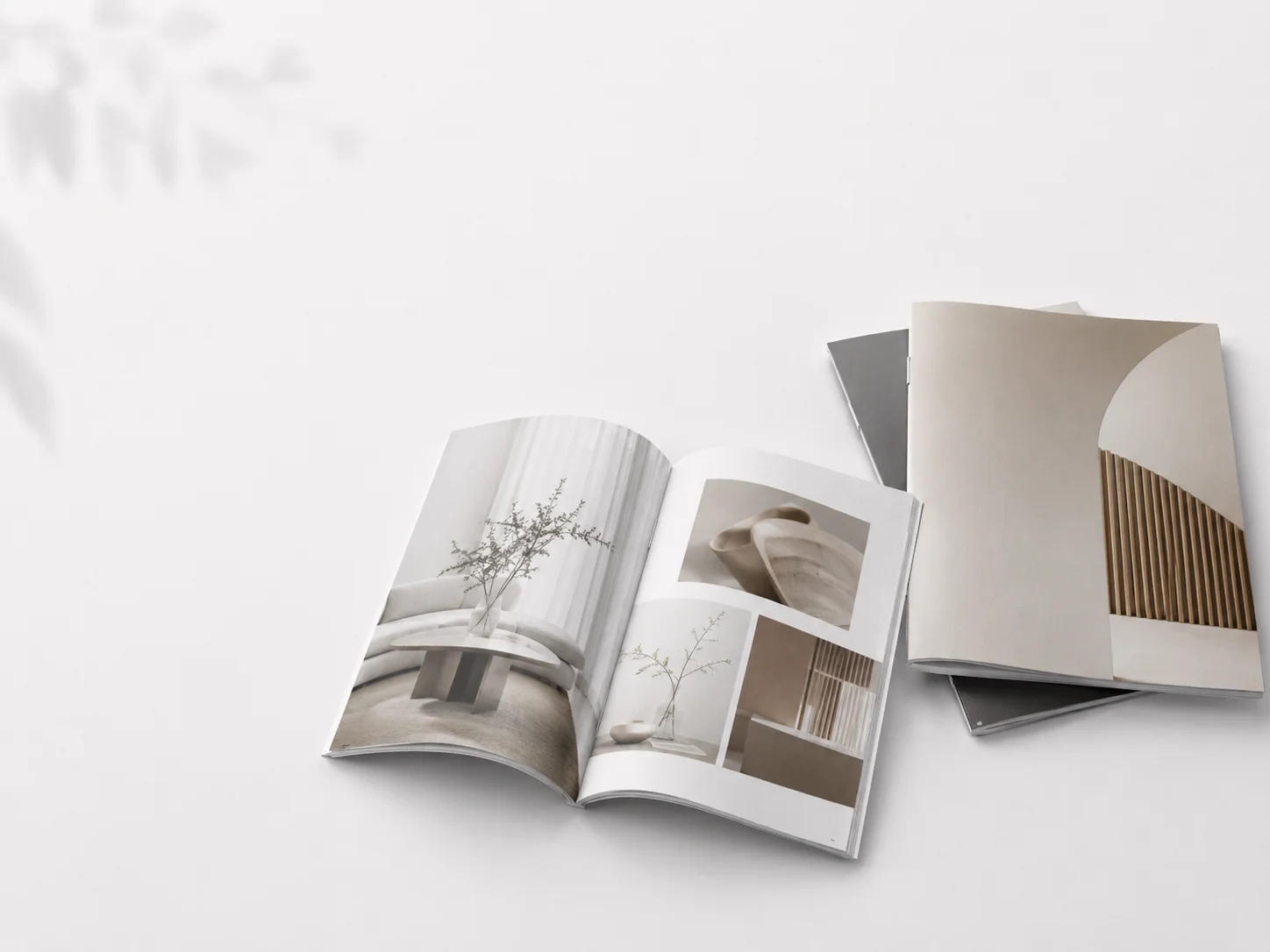
A printed booklet should make it easy for readers to find, understand, and act on useful information. Whether you are creating an event program, product guide, school resource, or community handout, thoughtful planning helps every page earn its place. Formats such as saddle stitched booklets can be especially effective for concise materials that readers can hold, browse, and keep. The strongest booklets do not begin with fonts or photos. They begin with a clear purpose, a realistic understanding of the reader, and a page-by-page plan that supports both. Use the process below to create a booklet that feels organized, readable, and ready for print.
Start With the Booklet’s Purpose
A booklet needs one main job. A visitor guide may help people navigate an event, while a nonprofit resource may explain services and encourage contact. Before writing, create a one-sentence purpose statement. “Tell people about our organization” is vague. “Help parents understand after-school enrollment steps and submit an application” provides useful guidance on content and design.
A focused purpose also makes editing easier. Remove details, photos, and side topics that do not help the reader reach the intended outcome.
Define the Intended Reader
Think about what the reader already knows, what they need to learn, and what they should do next. Also consider where they will read it: in a waiting room, classroom, trade show booth, community event, or at home after receiving it in the mail. Create a short reader profile with three details: their need, their reading setting, and their likely next step. Age, language familiarity, vision, attention span, and subject knowledge can all affect how much explanation the booklet needs. A booklet aimed at everyone often becomes too broad to serve anyone particularly well.
Build a Simple Content Structure
Arrange information in the order readers need it, not in the order it was created. A reliable structure includes a cover, a clear promise or introduction, key information, supporting details, an action step, and contact or reference information. Use descriptive headings so readers can scan before committing to the full text. Keep paragraphs short, and choose bullet lists for options, numbered steps for processes, and brief examples for unfamiliar ideas. Put the most useful information early rather than making readers search for it at the end.
Plan the Page Layout
Create a page map before designing individual pages. Assign each spread or page a role, such as welcome, overview, instructions, checklist, resource list, or contact page. This prevents one page from becoming crowded while another feels unfinished. Account for margins, safe areas, page numbers, captions, and the center fold. Important text and faces should not sit too close to a trim edge or disappear into the fold. Leave visual pauses between dense sections, so readers have room to process what they have read. For a short community booklet, the page map might be: cover; welcome and purpose; key facts; three-step process; services or benefits; checklist; frequently asked questions; and contact details. The exact sequence can change, but each page should have a clear reason to exist.
Improve Readability and Access
Readable design depends on more than type size. Use clear typefaces, comfortable line and paragraph spacing, consistent alignment, and strong contrast. Dark text on a light background is usually easier to read than light text placed over a busy image. Avoid relying on color alone to communicate instructions, categories, or status. Accessible print materials benefit from clear structure, readable type, simple language, and scannable QR codes that point readers to useful digital information. When appropriate, offer a large-print or digital version as well. Accessibility is not a finishing touch. It is part of communicating clearly from the beginning.
Use Images, Charts, and Callouts With Care
Every visual should clarify, prove, or organize information. Decorative images can add personality, but they should not compete with the message. Use captions and labels when a reader needs help understanding what an image, chart, or diagram shows. Keep the visual style consistent across the booklet. A dense paragraph explaining a process may work better as a three-step diagram: choose a service, complete the form, then confirm the next appointment. Charts should use plain labels and avoid effects that make values harder to compare.
Prepare the File for Production
Reading order is not always the same as the printer’s imposed page order, so confirm your printer’s requirements before exporting. Verify the final page count, especially for folded booklet formats, and keep an editable source file before making a press-ready PDF. Review image resolution, bleed, trim area, margins, color settings, and fonts. Inspect the PDF at full size, not just in a small-screen preview. A printed test copy can reveal cramped type, weak contrast, awkward folds, and spacing problems that are easy to miss on a monitor.
Complete a Final Quality Check
Before sending the booklet to production, confirm the following:
- The cover clearly explains what the booklet offers.
- The main point is easy to find within a few seconds.
- Headings, page numbers, and section styles are consistent.
- Images are sharp, correctly placed, and properly captioned.
- Names, dates, prices, contact details, and web addresses are accurate.
- QR codes scan successfully from a printed sample.
- Text and important graphics have sufficient margins.
- The final page gives readers a clear next step.
Useful document practices include a clear and consistent heading structure, readable fonts, left-aligned body text, and adequate spacing. These details make the booklet easier to navigate and more comfortable to read.
Common Questions About Booklet Design
How Much Text Should a Printed Booklet Include?
Include only what the reader needs to understand the topic and take the next step. The right amount depends on the purpose, format, reading setting, and audience knowledge.
What Makes a Booklet Easy to Read?
Strong contrast, readable type, short sections, logical sequencing, plain language, and comfortable spacing all help readers move through the content.
Should Every Page Include an Image?
No. Images should support the message. Some pages work better with a checklist, quote, diagram, or well-spaced text.
When Should a QR Code Be Added?
Add one when it gives readers a useful next step, such as registration, a map, a video, a longer guide, or an online form. Include a short instruction beside it.
Why Is a Printed Proof Worth Reviewing?
Paper size, folds, colors, contrast, and type size can feel different in hand than they do on screen.
A Clear Booklet Starts With a Clear Plan
Strong booklet design is not about adding more elements. It is about making every page useful. A focused purpose, reader-first structure, accessible layout, careful production setup, and final printed proof can turn a short booklet into a practical resource that people read, keep, and use.
Conclusion
Creating an effective printed booklet starts with understanding the reader and giving every page a clear purpose. Whether you are producing an event program, product guide, school resource, or community handout, thoughtful content organization and a reader-friendly layout make information easier to find, understand, and use. Clear headings, readable typography, strong contrast, and balanced spacing help create a more accessible experience. At the same time, appropriate formats, such as saddle-stitched booklets, offer a practical solution for concise printed materials. Before sending the project to print, review the page order, images, margins, colors, and essential details, then examine a printed proof to catch issues that may be difficult to spot on screen. By combining purposeful planning, accessible design, and careful production checks, you can create a professional booklet that communicates clearly, supports its intended goal, and remains useful long after distribution