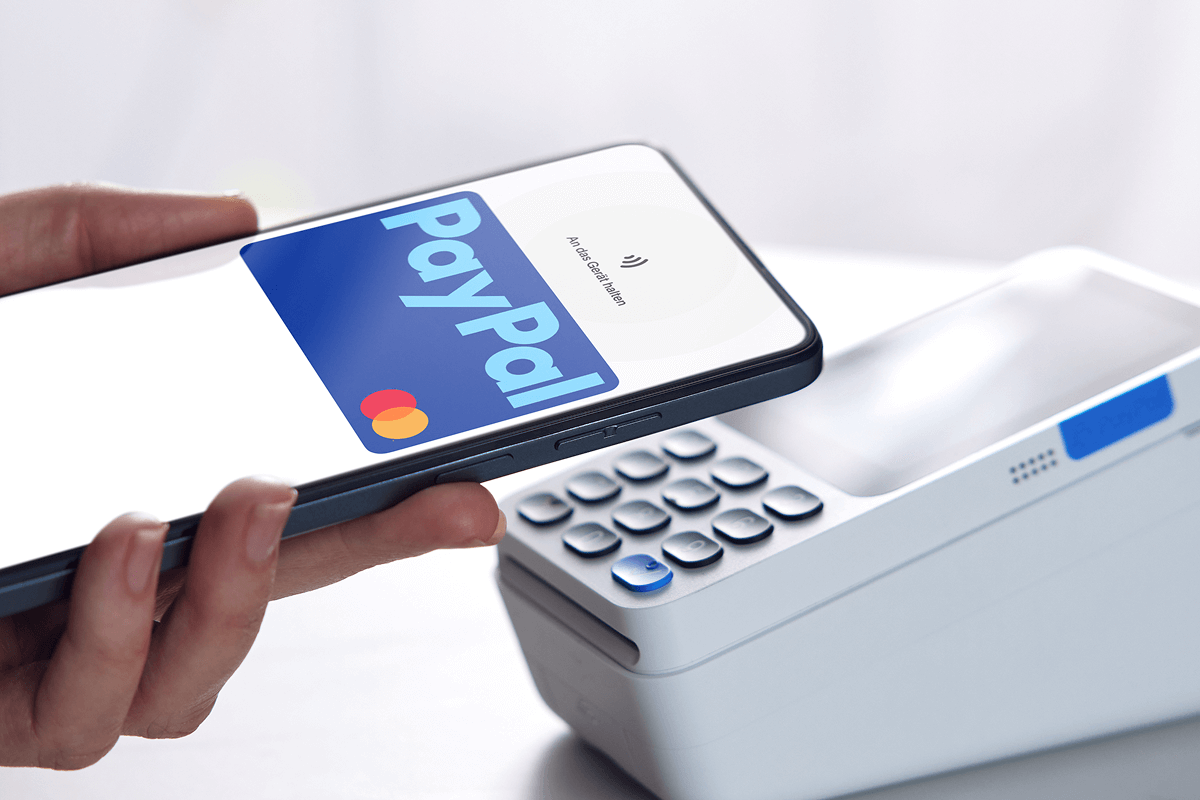
You reach the payment step, look for the PayPal button, and it is not there. Or it is there, you click it, and a small window opens and closes again. It happens at large retailers, on subscription sign-ups and at gaming sites, and the cause is not always on your side. Seven causes explain almost every case, and most of them take a few minutes to check.
Table of Contents
1. Your browser is blocking the button
The PayPal button is loaded from PayPal’s servers, not from the store. Ad blockers, privacy extensions and strict cookie settings can stop that script from loading, and the store’s page then shows an empty space where the button should be.
Open the checkout in a private window with extensions turned off. If the button appears, switch your extensions back on one at a time until you find the one that hides it. Allow pop-ups for the store as well, because the PayPal sign-in opens in a separate window.
2. The site is in a category PayPal restricts
Some kinds of business cannot add PayPal on their own. PayPal’s Acceptable Use Policy lists gambling, cryptocurrency and several other categories that need its approval first, so the button is missing at most sites in those categories however your own account is set up.
Online casinos are a common place for Canadians to run into this, and it confuses people because the same PayPal account works everywhere else. The reason sits with PayPal, not with the player. A guide to PayPal casinos in Canada explains that PayPal approves gambling operators one at a time, which is why only a few Canadian cashiers carry it and some of those take it for deposits only.
So read the cashier page before you open an account, and look at withdrawals as well as deposits. Where PayPal is missing, Interac e-Transfer is the usual fallback at Canadian cashiers. No change to your own PayPal settings will add the button.
3. Your PayPal account is not fully set up
An unverified account is the cause people overlook most, because the button often appears and then fails after you click it. PayPal lets you open an account in a minute, but stricter merchants expect more than a login.
The fix is on PayPal’s side. Log in, open your account settings and look for anything marked as unconfirmed. Confirm your email address, link a bank account or a card, and make sure your home address is filled in. Check your wallet at the same time. An expired card or a bank link that was removed after a failed transfer has the same effect: the PayPal window opens and then sends you back to the checkout.
4. The names or countries do not match
Some merchants compare the name on your PayPal account with the name on your account with them. A nickname on one and a legal name on the other can be enough for the payment to be refused. Country matters too. A PayPal account registered in one country may not be offered at a store that sells only in another.
Check both profiles and correct the one that is wrong. If you have moved, update your address with PayPal before you shop.
5. A VPN is hiding your location
Stores decide which payment methods to show based on where you appear to be. With a VPN switched on, you may look like a visitor from a country where the store does not offer PayPal, and the button disappears. If you are not sure whether yours is active, this explainer on what a VPN is and how it works covers the basics.
Turn the VPN off, reload the checkout and look again.
6. The store does not take PayPal for this purchase
Sometimes nothing is broken. Retailers choose their own payment methods, and some large ones leave out popular wallets altogether, as the answer to whether Walmart takes Apple Pay shows. Others accept PayPal for most products but not for gift cards, subscriptions or orders shipped abroad.
Look at the store’s payment or help page. If PayPal is not listed for your kind of order, no setting on your side will bring the button back.
7. Your account is limited
PayPal sometimes restricts an account while it checks recent activity. A limited account can still be opened, but it cannot send money, so every checkout fails.
PayPal lists the reason and what it needs from you in the Resolution Center. It is usually a document or a confirmation, and the limit is lifted once you provide it.
A quick order of checks
Start with the checks that cost nothing. Try a private window, turn off the VPN, then log in to PayPal and look for warnings on your account and your wallet.
If everything on your side is in order and the button is still missing, the reason is on the seller’s side. Either the store has chosen not to offer PayPal or it belongs to a category that cannot, and another payment method is the quicker route.